
Blog Summary:
A paper mileage log and a mileage tracking app can both support business recordkeeping when records are complete. Paper can suit occasional drivers, while an app can reduce manual entry, organize trip history, and simplify reporting for frequent business driving.
If you drive for work, keeping a reliable mileage log is more than an administrative task. It creates a record of where, when, and why you drove and can support tax preparation, reimbursement requests, and business expense reporting.
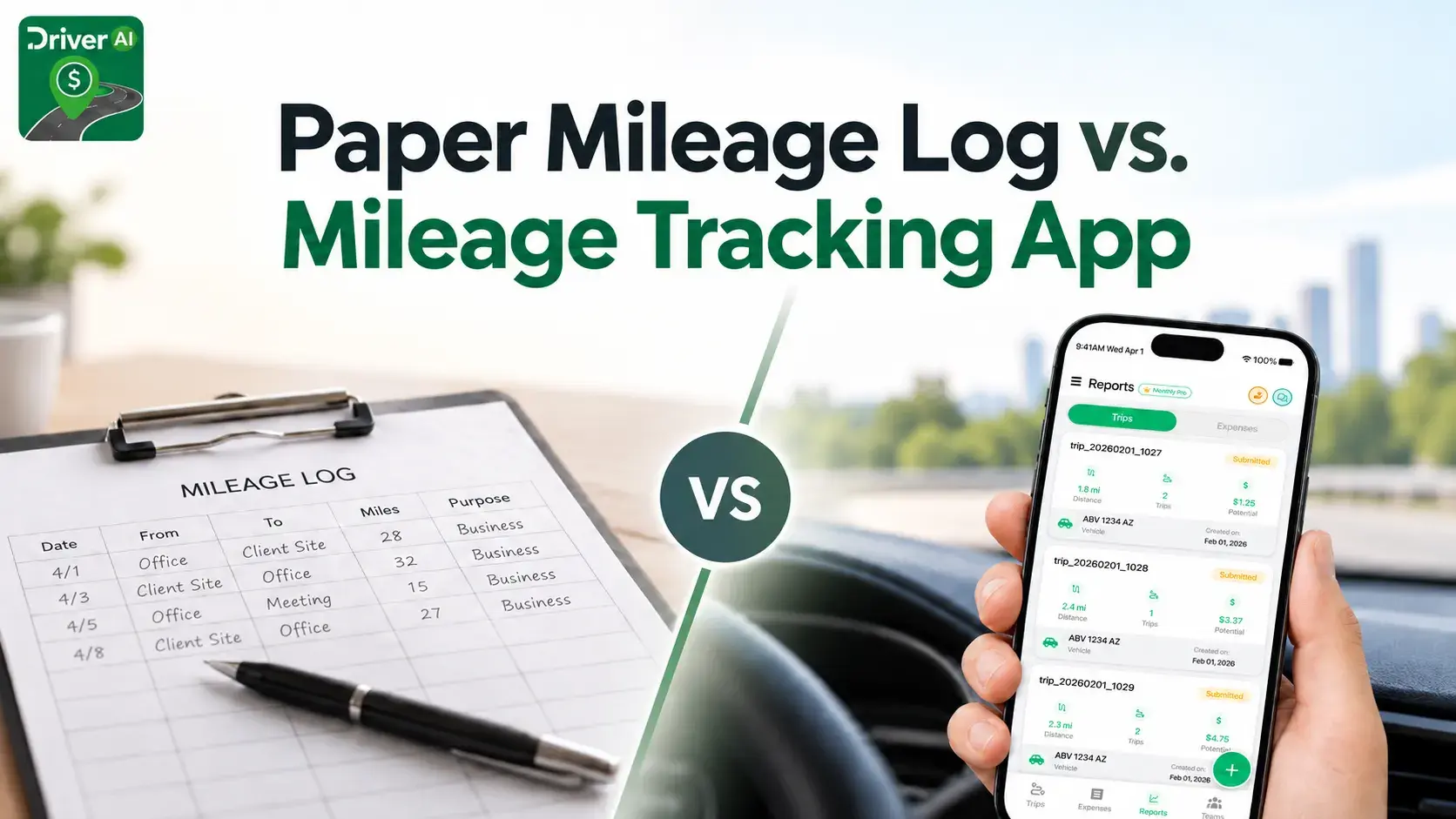
There are two common ways to track your miles: write each trip in a paper mileage log or use a mileage tracking app that records trips digitally. Both methods can work when records are complete, but they differ in convenience, consistency, and manual effort.
Quick Answer: Paper Log or Mileage Tracking App?
A paper mileage log can work for occasional driving. A mileage tracking app is usually more practical for frequent business drivers because it can reduce manual entry, organize trip history, and simplify reporting.
For businesses, independent contractors, freelancers, delivery drivers, and other professionals who spend significant time on the road, automatic tracking can make ongoing recordkeeping considerably easier.
What Is a Mileage Log?
A mileage log is a record of vehicle trips made for business or other qualifying purposes. It helps separate work-related driving from personal travel and creates a record that can be reviewed when preparing expenses, reimbursements, or tax documentation.
IRS Publication 463 explains that records supporting business vehicle use should document information such as the date of use, business destination, business purpose, mileage for each business use, and total miles for the year. The IRS also states that a record prepared on a computer can be considered an adequate record.
That means the format itself is not the main issue. A notebook, spreadsheet, or digital app can all be useful when the information is accurate and maintained consistently.
Paper Mileage Log: Simple but Manual
A paper mileage log is usually a notebook or printed form kept inside the vehicle. After each business trip, the driver records the relevant details.
The biggest advantage is simplicity. For someone who makes only a few business trips each month, writing down each trip may be manageable.
The challenge is remembering every entry. A busy workday can include client visits, deliveries, supply runs, appointments, and several stops. If a trip is forgotten, the driver may later have to rely on calendars, receipts, mapping tools, or memory to reconstruct what happened.
Paper records can also be misplaced, damaged, difficult to search, and time-consuming to total at the end of the month or year.
Mileage Tracking App: Built for Ongoing Driving
Business mileage tracker apps are designed to reduce repetitive manual work. Depending on the app, they can detect drives in the background, record routes and distance, organize trip history, separate business from personal travel, and generate reports.
Instead of remembering to write down every drive, you can review captured trips and classify them or add the appropriate business purpose.
The more trips you make, the more opportunities there are to miss a manual entry. Apps to track mileage for business can make the process easier by creating a digital starting point for each drive.
DriverAI uses automatic trip detection and GPS-based tracking to help record driving history. Its features also support trip classification, searchable history, and exportable reports for accounting, reimbursement, or tax preparation.
Paper Log vs. Mileage Tracking App: Quick Comparison
| Feature | Paper Mileage Log | Mileage Tracking App |
|---|---|---|
| Trip entry | Manual | Can be automatic |
| Forgotten-trip risk | Higher | Lower with automatic detection |
| Searching past trips | Manual | Usually searchable |
| Reports | Prepared manually | Can be generated digitally |
| Record storage | Physical | Digital |
| Best suited for | Occasional drivers | Frequent business drivers |
A paper log has very low setup requirements. A mileage tracking app requires a smartphone and appropriate permissions, but it can automate much of the record-creation process and make driving history easier to organize and export.
What Should a Business Mileage Log Include?
A useful business mileage log should make each trip understandable without requiring you to reconstruct it months later.
Key information generally includes:
- Date of the trip
- Business destination or route
- Miles driven
- Business purpose
- Total vehicle mileage where applicable
IRS Publication 583: Starting a Business and Keeping Records emphasizes maintaining records that support business income and deductions. Whichever method you choose, consistency matters more than having the most complicated system.
Why Timely Mileage Records Matter
One common mistake is waiting until tax season to recreate months of driving.
IRS Publication 463 states that records created at or near the time of an expense or business use generally have more value than statements prepared later, when accurate recall may be more difficult. It also explains that a weekly log accounting for the week's use can qualify as a timely kept record.
That makes the best mileage-tracking system the one you will actually maintain. If you use paper, update your mileage log regularly. If you use an app, review your trip history routinely so business purposes and classifications remain accurate.
Which Method Is Better for Business?
For most frequent business drivers, a mileage tracking app is the more practical option because it reduces manual entry and keeps trip history organized in one place.
Paper still has a place. It is inexpensive, familiar, and does not depend on a smartphone. But its effectiveness relies heavily on remembering every business trip and maintaining the log consistently.
If your work involves frequent travel, multiple customers, deliveries, field appointments, or reimbursement reporting, automatic tracking can remove a recurring administrative task from your day. For drivers who make only occasional business trips and maintain records carefully, a paper mileage log may still be sufficient.
Track Your Miles Without Rebuilding Your Year
The goal is not simply to record one mileage number at year-end. A useful mileage log creates a clear history of business travel that is easy to review when you need it.
DriverAI is designed to help you track your miles automatically while keeping business and personal trips organized. Explore its mileage tracking features to see how automatic trip detection, classification, driving history, and reporting can simplify ongoing recordkeeping.
Whether you choose paper or an app, the most important principle remains the same: track your miles as you drive, clearly document the business purpose of each qualifying trip, and maintain your mileage log throughout the year.
Frequently Asked Questions
For business vehicle use, your records should generally establish the date of the trip, business destination, business purpose, mileage for each business use, and total mileage for the year. The IRS places importance on records maintained at or near the time of the business use rather than recreated long afterward.
The IRS does not require every taxpayer to use one particular paper template. The important factor is maintaining adequate records that support the business vehicle use being reported.
The best method depends largely on how often you drive. Someone who makes only occasional business trips may be comfortable maintaining a paper mileage log or spreadsheet.
Frequent drivers may find automatic mileage tracking more practical because it reduces the need to manually enter each drive. Regardless of the method, regularly reviewing the log and recording a clear business purpose helps keep the records organized and useful.
Yes. IRS Publication 463 states that a record prepared on a computer can be considered an adequate record.
However, the IRS does not certify or approve individual mileage-tracking apps. Drivers should still review captured trips, classify them correctly, and add the appropriate business purpose when necessary.
Your records need to adequately establish business mileage and total vehicle use. IRS Publication 463 identifies mileage for each business use and total miles for the year among the information relevant to car-expense records, and its sample daily mileage log includes starting and ending odometer fields.
Keeping odometer readings can be a useful way to support and reconcile your overall mileage records, particularly when a vehicle is used for both business and personal driving.
Generally, driving between your home and your main or regular workplace is considered personal commuting rather than deductible business transportation. Different rules can apply in situations involving temporary work locations, qualifying home offices, or other specific circumstances.
IRS Publication 463 states that records supporting deductions generally should be retained for three years from the date the related tax return is filed, although certain circumstances can require records to be kept longer.
Digital mileage records can make long-term retention easier because reports can be exported and stored with other accounting and tax documentation.